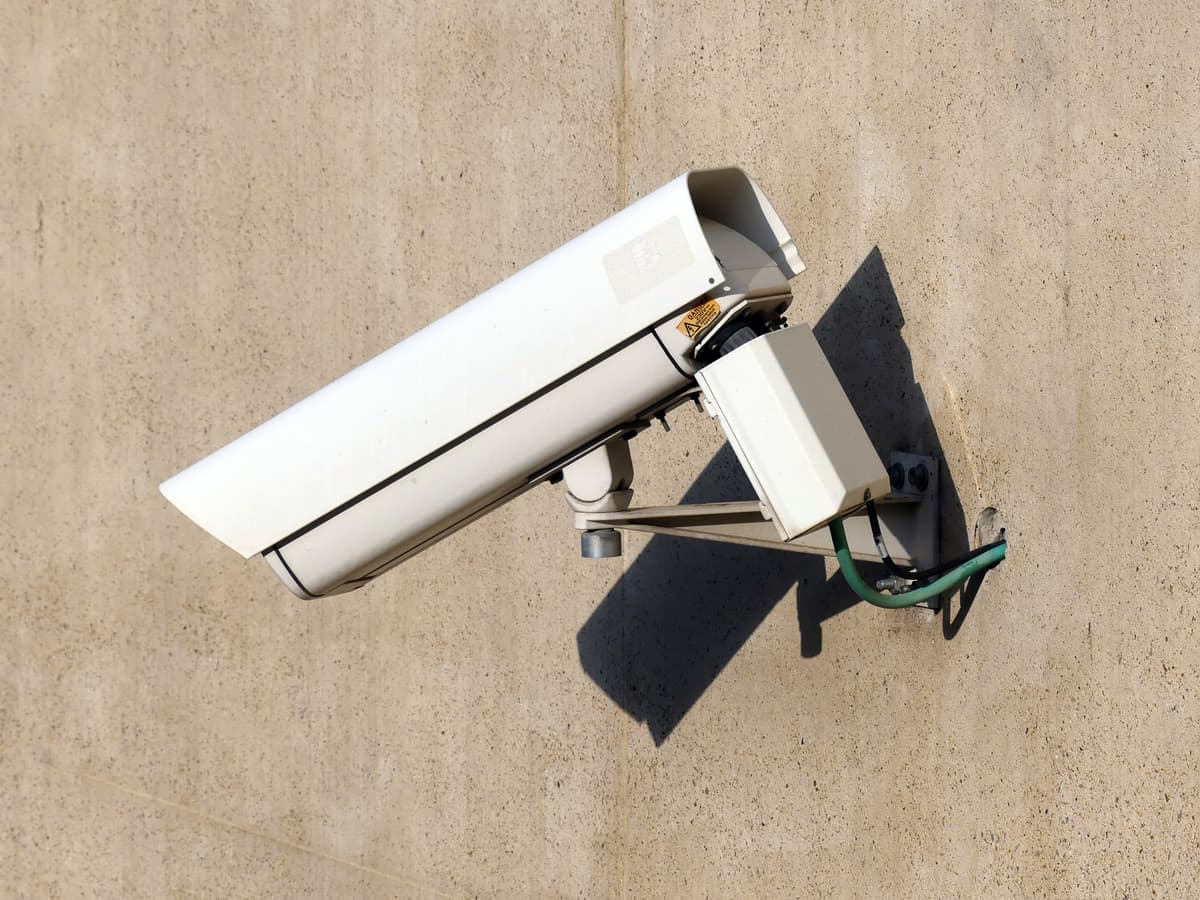
Security Camera Installation
Wired PoE camera systems you own outright, with the recorder, cabling and remote viewing set up and labeled.
See what's included
Six service areas across Dallas-Fort Worth, grouped the way buyers actually search for them rather than the way a brochure would organize them. Every page below sets out the scope, what is deliberately excluded, and how the job runs.
Each one links down to its more specific pages, and across to the others it usually gets bought with.
Wired PoE camera systems you own outright, with the recorder, cabling and remote viewing set up and labeled.
See what's included
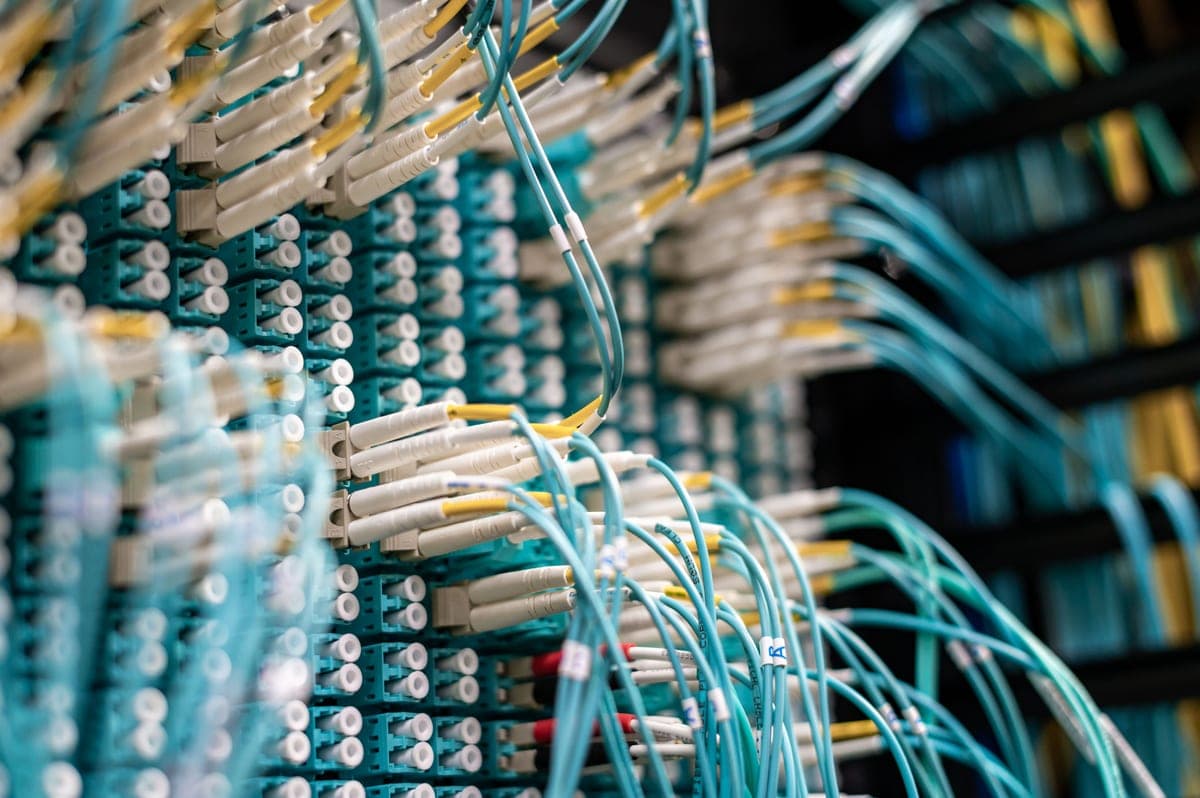
Wired Ethernet, patch panels, switching and wireless access points, planned so the network stops being the bottleneck.
See what's included
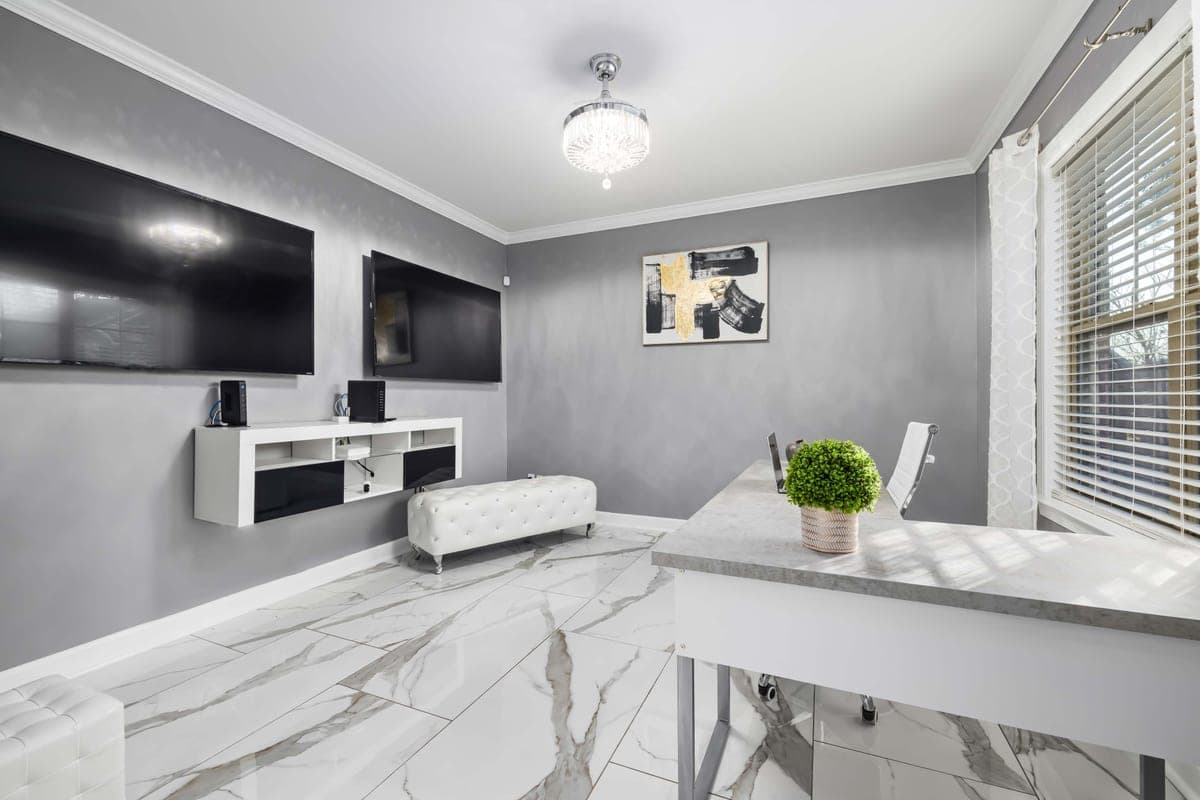
Displays, speakers, sources and control wired and configured so one remote or one tablet runs the room.
See what's included
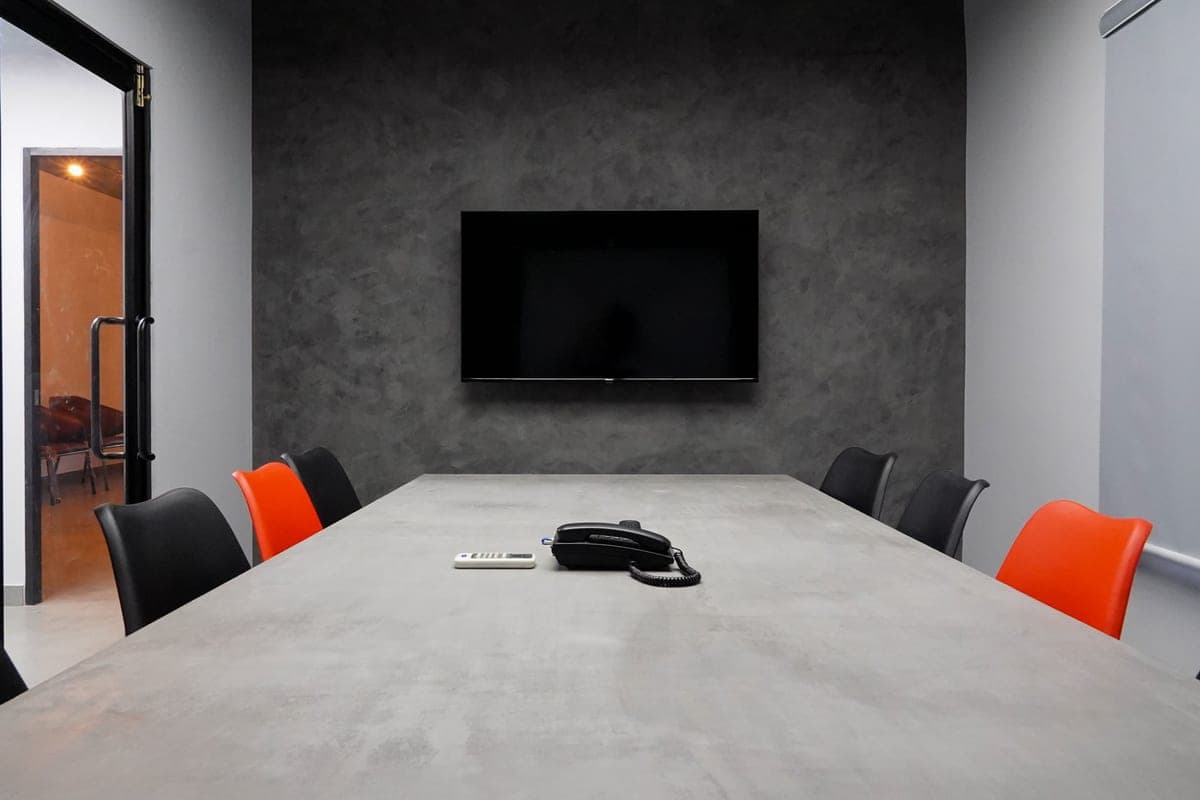
Hybrid meeting rooms where remote attendees can hear everyone, built around the room's acoustics and its network drop.
See what's included
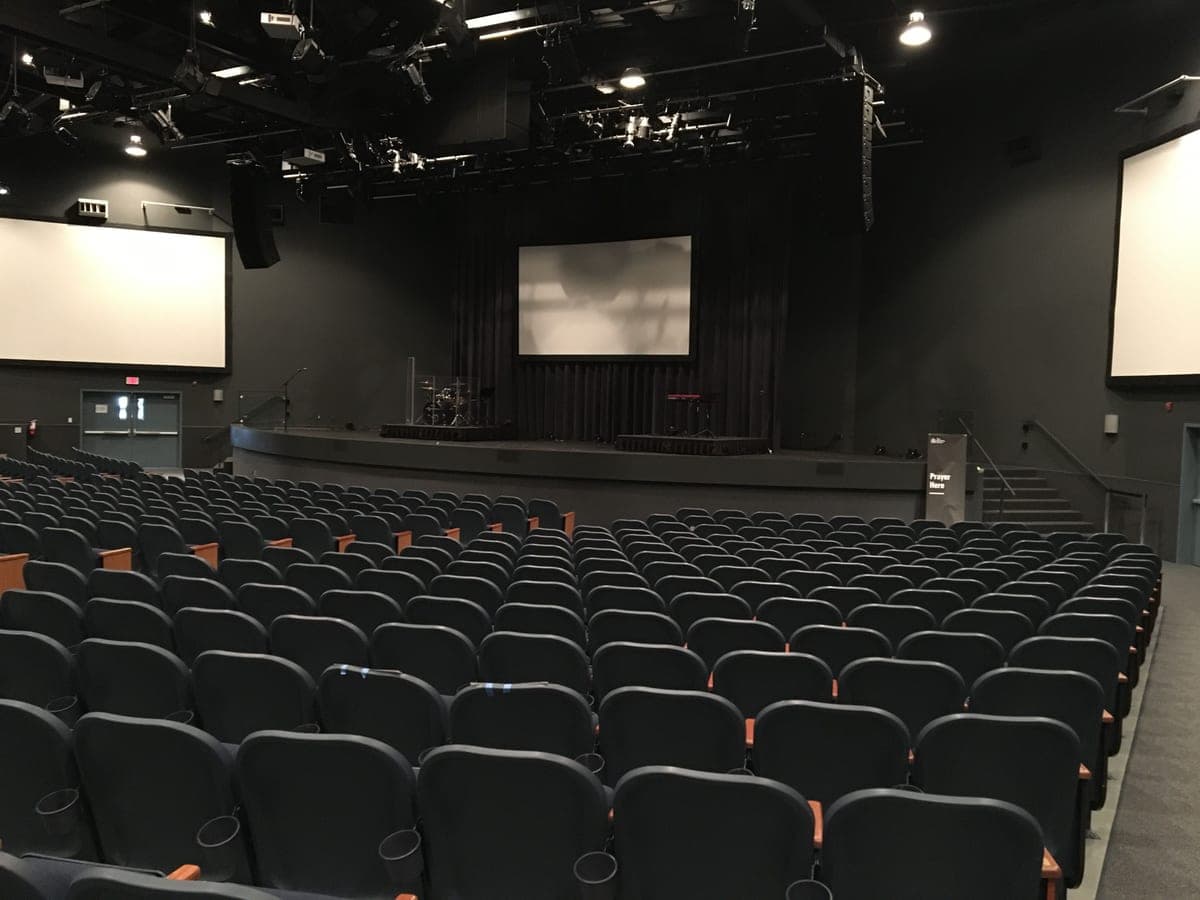
Plain-English advice on sound, screens and streaming for small and medium congregations, including what not to buy yet.
See what's included
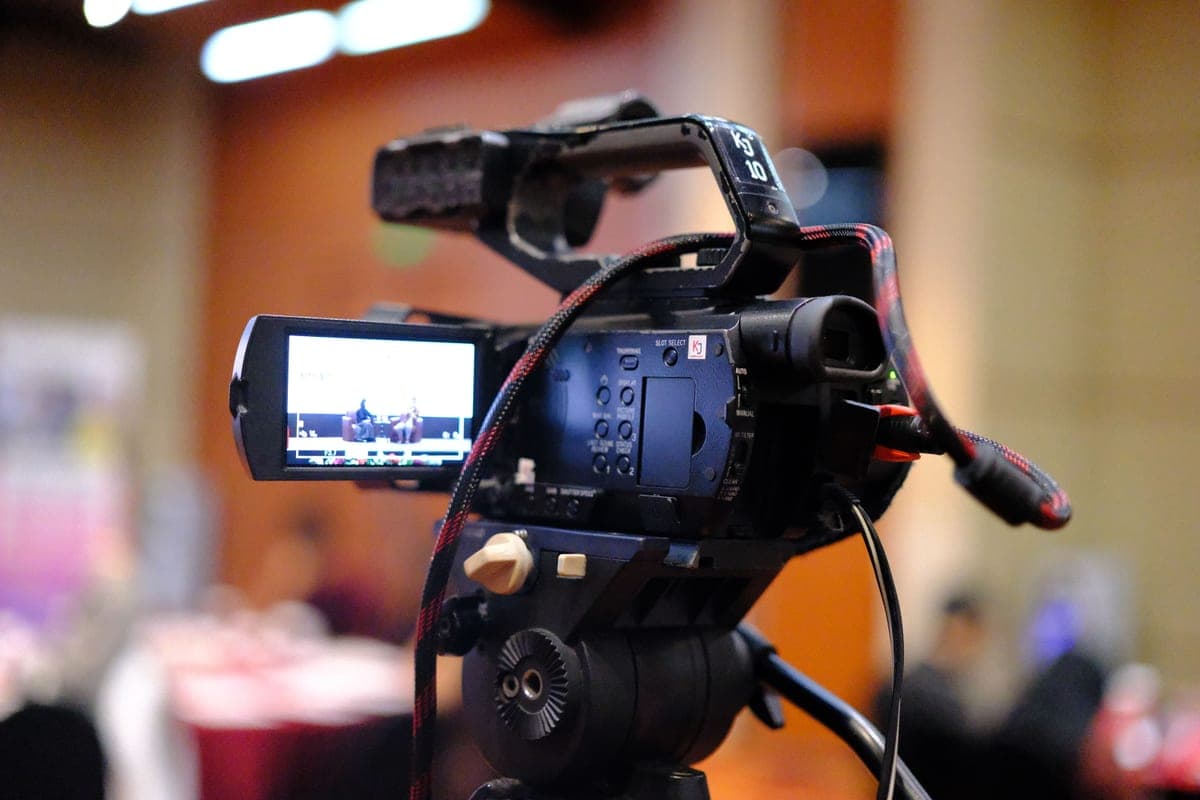
Streams that stay up: audio taken from the source, bitrate matched to the venue's real upload, and a tested dry run.
See what's included
Almost everything on this site is low-voltage work, which is to say it runs on cable that carries data and small amounts of power rather than mains electricity. That is the thread connecting a camera on a soffit, an access point in a ceiling, a Zoom room codec and a church sound system: they all depend on a cable getting from the right place to the right place, terminated properly and documented.
They are still separate services because the buyers are different and the constraints are different. The person who needs home security camera installation cares about coverage and tidiness. The person who needs structured cabling in Dallas cares about drop counts, cable ratings and a labeled patch panel someone else can work on in five years. The church volunteer looking at church sound system installation cares most about whether they can still run it on a Sunday when the person who normally does it is away.
Grouping those into one “installations” page would make every one of them shallower. Keeping them apart means each page can answer the question its reader actually has.
Cameras and cabling. A wired camera system is a cabling job with cameras on the end of it. If the building is getting data drops anyway, adding camera runs at the same time costs a fraction of coming back for them. This is the single most common combination on commercial sites.
Meeting rooms and network drops. The most common cause of a conference room that drops calls is that the room shares Wi-Fi with the whole office. A dedicated wired drop to the room is cheap, and it removes an entire category of problem.
Church sound and church streaming. A stream carries the sound from the room, so churches that fix the audio first end up with a better stream than churches that buy a camera first. They are usually the same project phased over two stages.
Fifteen pages, grouped by hub. Nothing here is a placeholder.
No sub-pages yet.
Corporate events and meetings. Church streaming is covered separately under church live streaming setup.
Two of the network pages cover planning and setup rather than cable. Network design consultation is help planning a home or small business network before you buy or install it, and equipment configuration is setting up and configuring the equipment so it works properly on the network. Either can be wanted on its own.
Not sure which applies? Describe the building and the problem and you will get a straight answer, or see where AyalaKi works on the DFW service area page.
A site visit costs you nothing and ends with a written scope and a number that does not move once work starts.