Network installation
The hub: cable grades, the distance limit, PoE and access point design.
Read more
Ethernet where it earns its keep, wireless coverage planned around how your house is actually built, and one tidy place where it all comes back to. Most homes need fewer cables and better placement than they expect.
Who this is for
Homeowners with dead spots, home offices or a lot of connected devices
The useful rule is: cable the things that sit still and matter. A home office, the main TV, a games console, and the ceiling or high-wall position where a wireless access point will go. Everything that moves around the house stays on Wi-Fi, which is what Wi-Fi is for.
The point of the wired drops is not that the laptop needs a cable. It is that taking the predictable, heavy traffic off the air leaves far more wireless capacity for everything that genuinely has to be wireless. A house where the TV, the office desktop and two access points are wired behaves completely differently from one where all of it is competing on the same radio channels.
Four to six drops covers most houses. Beyond that, the marginal drop is usually worth less than spending the same money on better access point placement.
Almost always distance plus construction, not the router. Wi-Fi signal drops off sharply through brick, tile, foil-backed insulation, mirrors and plaster, and a lot of DFW housing contains most of those. When the provider’s equipment is in a closet at the front of the house and the far bedroom is sixty feet and four walls away, no router sold at any price solves it, because the physics is not about transmit power.
The fix is a second access point nearer the far end with a cable back to the switch. That access point has its full radio capacity for the devices around it, and the cable carries the traffic home. One well-placed access point routinely outperforms replacing the router and adding mesh nodes.
Placement beats specification: an access point in the middle of the area it serves, mounted on a ceiling or high on a wall, covers far more than a more powerful one tucked into a corner behind a TV.
Before anything new gets pulled, it is worth finding out what the builder left. Homes across Plano, Frisco, and much of the northern suburbs built from the 1990s onward very often have a structured-wiring enclosure in a closet or utility room with Cat5e and coax runs to several rooms, installed at construction and never touched since.
Those runs are frequently usable. Cat5e carries gigabit comfortably over household distances, so re-terminating the existing runs on a proper patch panel and putting a switch in the enclosure can deliver a wired house without opening a wall. Sometimes the runs stop short, were never landed at the room end, or go to places nobody cares about, in which case they are not salvageable. Either way it is a ten-minute check at the start of a site visit, not a discovery after a quote. The Plano service area page covers this in more detail, because it is the single most common useful find in that part of the metro.
Often not. Plenty of installs keep the provider’s equipment doing what it is good at, which is terminating the internet connection, and add a switch and proper access points behind it. That is cheaper and avoids the support conversation where the provider blames equipment they did not supply.
Replacing it is worth discussing in two cases: when its built-in wireless is genuinely the limitation and you are not adding separate access points, and when the number of connected devices in the house is beyond what it handles gracefully. Neither is automatic, and both are visible during a visit rather than assumed.
The cheapest cable is the one pulled while the route is already open. Two things are worth adding to almost any home network job: a spare run toward the eaves for a future camera, and a spare to the main display position. Both cost very little during the work and are a separate job afterwards.
If cameras are even a possibility, read home security camera installation before the attic is closed up, because camera positions and network cabling want planning together.
No internet service or dealings with your provider’s billing. No computer, phone or smart-home device support beyond connecting them to the network. No electrical work needing a new circuit. No structural work or decorating; penetrations are kept minimal and agreed in advance.
Related: network installation for the technical background on cable grades and access point design.
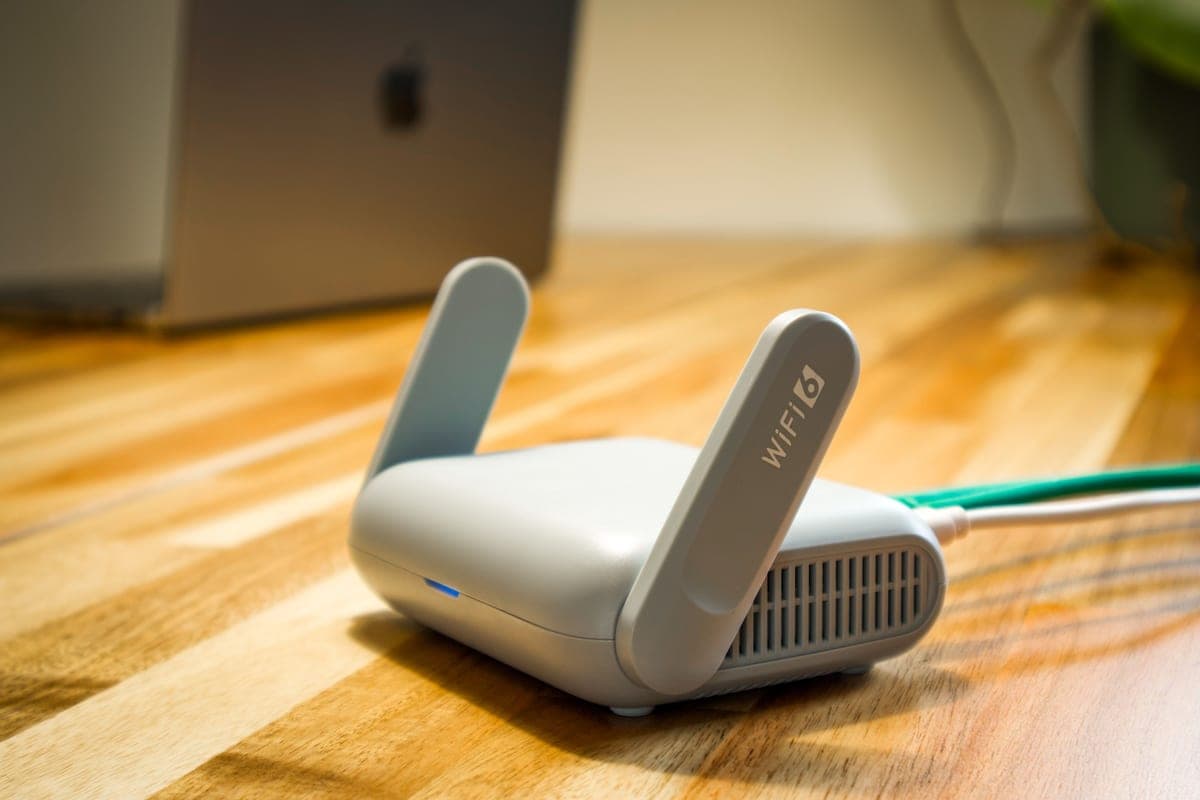
The images here are licensed stock photographs chosen to show the kind of equipment involved. They are not photographs of AyalaKi Services’s own installations, and this space is reserved for real job photos once they are available.
The hub: cable grades, the distance limit, PoE and access point design.
Read more
Cameras run on this network. Planning both together saves an attic trip.
Read more
The commercial version, with drop counts, cable ratings and testing.
Read more
The spare Cat6 behind a display is the cable people most often wish they had run.
Read more
Builder media panels from the 1990s and 2000s are often reusable. Check first.
Read more
Prewar plaster, crawl spaces and detached garages change the routing options.
Read more
A visit establishes what your house is built from, what wiring is already in it, and where an access point would actually help.