Home security camera installation
Coverage planned around the approaches to a house, with cable run through the attic.
Read more
Wired camera systems for DFW homes and small businesses: cameras positioned where they capture something useful, a recorder sized for the retention you actually want, and the whole thing handed over with the credentials in your name.
Who this is for
Homeowners and small-business owners across Dallas-Fort Worth
A security camera installation is four things, and only one of them is the cameras. There is the camera at each position, the cable run back to a central point, the recorder and switch that power and store everything, and the configuration that decides what gets recorded, for how long, and who can see it. Most of the labor, and most of the difference between a good job and a frustrating one, is in the middle two.
A typical wired system uses Power over Ethernet cameras. Each camera has one Cat6 cable running back to a PoE switch or to a recorder with PoE ports built in. That single cable carries both the video and the power, so there is no electrician needed at the camera position and no outlet in the soffit. The recorder stores footage locally on its own drives, and a connection to your network lets you view the cameras from a phone anywhere.
Wireless cameras are genuinely easier to put up, and for one camera in a spot nobody can run a cable to, they are the right answer. For a system you intend to depend on, wired wins for three specific reasons.
Power. A “wireless” camera is almost never wireless. It still needs power at its location, which means an outlet in the eaves or a battery someone has to climb up and charge. A PoE camera needs neither.
Airtime. Continuous video is a steady, heavy load. Put six of those on the same Wi-Fi your household or office is using and everything competes. Cameras on their own wired segment take that load off the air entirely.
Reliability. A wired camera either works or has a broken cable, and a broken cable is a diagnosable fault. A wireless camera has a long list of ways to half-work: interference, distance, a channel change from a neighbor, a firmware update. The standards body for PoE is the IEEE 802.3 working group, and the relevant power levels are documented in the Ethernet Alliance overview of 802.3bt — worth knowing because PoE budget, not camera count, is what limits some systems.
The most common mistake is buying a number of cameras and then deciding where they go. Done the other way round, you walk the property, list every way a person can approach the building, and then ask what each camera position would actually capture. A camera eleven feet up pointed straight down gives you excellent footage of the tops of heads. The same camera at eight feet, angled across the approach, gives you a face.
For a house that usually works out at four to six positions. For a small business it is the customer entrance, every non-public door, the place money or controlled stock is handled, and the parking or delivery area if incidents happen there. The guide to how many security cameras you need goes through the method in detail.
The second planning question is lens coverage. A wide-angle lens sees more of the scene and resolves less of it, which is fine for an overview shot and useless for identification. A narrower lens at a doorway or a gate, where you know people will pass through a predictable point, is what gives you an image worth handing to anybody.
Retention is a decision, not a product feature. How long a recorder keeps footage is a function of four things: how many cameras, at what resolution, at what frame rate, onto how much drive space. Thirty days is a common target for a small site. Doubling the resolution roughly halves the retention on the same drive, which is the trade-off worth understanding before you specify 4K on twelve cameras.
Local recording also means the system keeps working during an internet outage. Cloud-only cameras stop recording when the connection drops and tie your footage to a subscription. A local recorder plus remote viewing gives you both: footage that is yours, and access from your phone.
One compatibility note worth knowing: cameras and recorders from different manufacturers often work together through ONVIF profiles, an interoperability standard. It is not a guarantee, and some features only work within one manufacturer’s own ecosystem, which is a reason to settle the recorder and the cameras at the same time rather than separately.
Saying this plainly is more useful than leaving it to be discovered. Camera installation here does not include alarm monitoring or any central-station response service; that is a separate business and a separate contract with a monitoring company, and a camera system can sit alongside one. It does not include electrical work that requires a new circuit, which needs a licensed electrician. It does not include structural work, drywall repair or decorating, though the route is planned to minimize what needs making good. And it does not include pricing the job over the phone, because the cost is mostly the cable path and nobody can see your cable path from a phone call.
One regulatory note, offered because it is useful rather than as a claim about anybody: some security work in Texas is regulated through the Texas Department of Public Safety Private Security Program. It is a reasonable thing to ask any company about before you hire them.
Next: read about home security camera installation or small business security camera installation, or see what security camera installation costs according to published national figures.
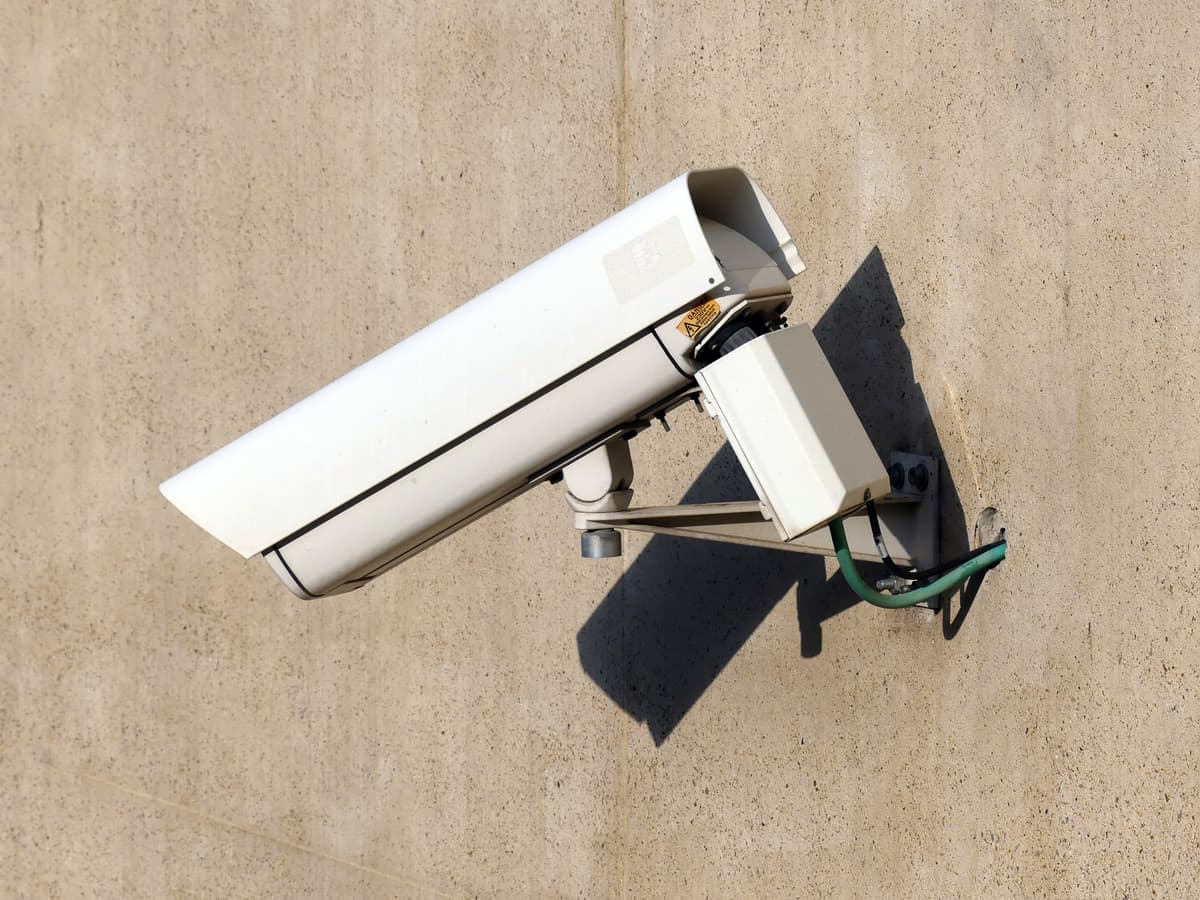
The images here are licensed stock photographs chosen to show the kind of equipment involved. They are not photographs of AyalaKi Services’s own installations, and this space is reserved for real job photos once they are available.
Coverage planned around the approaches to a house, with cable run through the attic.
Read more
Cameras and door access for shops, offices and warehouses, cabled to code and documented.
Read more
A wired camera system is a cabling job with cameras on the end of it.
Read more
Work the count out from entry points and sightlines instead of guessing.
Read more
What moves the price, with published national ranges attributed and linked.
Read more
Cameras need switch ports, PoE budget and somewhere tidy for the recorder to live.
Read more
A free site visit establishes camera positions, cable routes and recorder sizing, and ends with a written scope.