Security camera installation in DFW
The equipment, the cabling and the process, across homes and businesses.
Read more
Camera coverage and door access for DFW shops, offices, clinics and warehouses. Cabled to the right rating for the building, sized for the retention you need, and documented so the next person can work on it.
Who this is for
Owners and managers of DFW shops, offices, clinics and warehouses
Small-business camera coverage has a reliable priority order, and following it produces a better result than spreading the same budget evenly around the building.
Everything after those four is refinement. If the budget covers six cameras, it is nearly always better to do these four properly and add two than to do eight compromised positions.
Access control replaces keys with credentials you can switch off. The practical benefits are mundane and significant: you stop re-keying doors when someone leaves, you can limit who gets in outside normal hours, and you get a record of which credential opened which door and when, which pairs naturally with camera footage from the same moment.
The reason to do it at the same time as cameras is cost. Both are low-voltage runs from the same comms position, through the same ceiling, in the same containment. Doing them together is one cable pull and one set of ceiling tiles moved. Doing them a year apart is two.
A door needs more than a reader: there is the lock hardware itself, a door position switch so the system knows whether the door is actually closed, a request-to-exit device, and power. The lock hardware is often the longest lead item, and fire-egress requirements constrain what can be fitted on some doors, which is a question for your building rather than a catalog.
This is the single biggest difference between a residential and a commercial quote, and it is not a quality upgrade. It is fire code.
Which applies is a property of your building, not a preference, and it is checked at the site visit rather than discovered during the install. Plenum cable costs meaningfully more per foot, so a quote that has not established the ceiling type is a quote that can move. National codes for this sit with the NFPA, and cabling practice standards with TIA and BICSI.
“How long does it keep footage” is answered by arithmetic, not by a product. Four numbers decide it: camera count, resolution, frame rate and drive capacity. Each one trades against the others. Going from 1080p to 4K roughly quadruples the data per camera; dropping from 30 frames per second to 15 roughly halves it with very little practical loss for most security footage.
Thirty days is a common target for a small site. Some businesses have a specific requirement from an insurer, a franchise agreement or an industry rule, and that requirement should set the number rather than the other way round. Either way the calculation gets shown to you, so you can see what you are buying rather than taking a claim on trust.
One practical note: use surveillance-rated drives. They are built for continuous writing, which is a different duty cycle from a desktop drive, and they are the component most likely to fail first in any recorder.
Two shops or two offices should get two recorders, not one recorder and a long link. Keeping recording local to each site means a network problem at one location does not stop the other recording, and it keeps continuous video off the connection between them. The viewing app then brings both sites together in one interface, which is the part people actually wanted.
The equipment is yours. The admin credentials are handed over in writing. There is no contract required to keep using your own recorder, and no situation where access to your footage depends on a relationship with an installer. That is worth confirming with anyone you hire, not only here: a system you cannot administer is a system you do not really own.
Handover also includes the parts people forget: a labeled patch panel or switch so the next person can trace a camera, a record of which camera is on which port, and the recording schedule and retention setting documented rather than left in someone’s memory.
No alarm monitoring or central-station response. No electrical work requiring a new circuit, which is a licensed electrician’s job. No structural work, ceiling grid replacement or decorating. No guarantee about what any particular camera will capture, because that depends on lighting, position and what actually happens. And no phone quotes.
One useful thing to ask any security installer, including this one: how the work is covered under the Texas DPS Private Security Program, which regulates parts of this trade in Texas.
If the building is being cabled anyway, read structured cabling in Dallas next, or see the cost guide for what separates a commercial quote from a residential one.
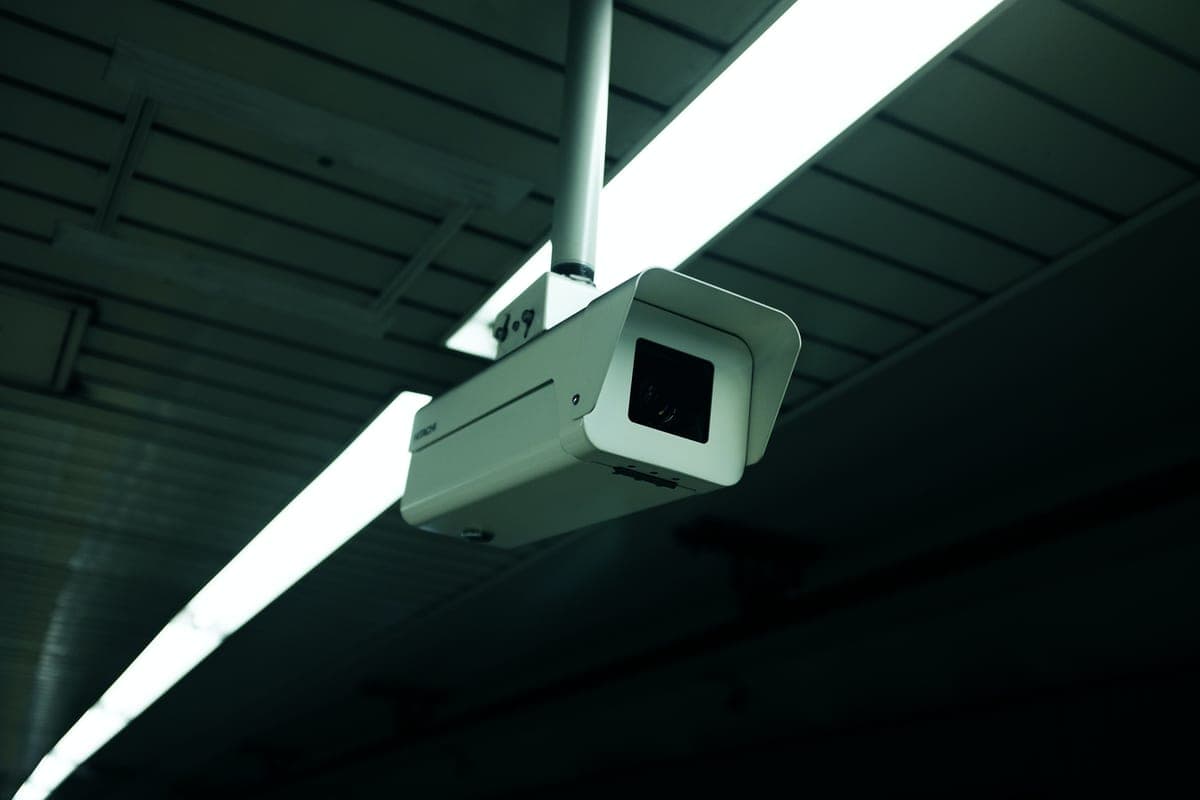
The images here are licensed stock photographs chosen to show the kind of equipment involved. They are not photographs of AyalaKi Services’s own installations, and this space is reserved for real job photos once they are available.
The equipment, the cabling and the process, across homes and businesses.
Read more
Commercial camera jobs are cabling jobs. Same visit, same containment, one mobilization.
Read more
Why commercial per-camera figures sit well above residential ones.
Read more
The residential version, where the constraints are routing and tidiness.
Read more
If the cabling is already being done, the meeting room drop is nearly free.
Read more
Commercial quotes depend on the ceiling, the cable route and the retention you need. A visit settles all three, at no cost.