Conference room AV installation
Hybrid meetings, where the room and the remote attendees are the whole audience.
Read more
Live streaming for DFW corporate events, meetings and conferences. Audio taken from the sound desk, bitrate matched to the venue's real upload, and a dry run before the day, because those three things are what separate a stream that holds from one that does not.
Who this is for
DFW companies, venues and event organizers
Live streaming has an unusually short list of failure modes, and the same three account for nearly all of them.
All three are decided before the day, which is why the work starts with a site visit rather than with equipment.
The right source for a streamed event is a dedicated output from the sound desk that is already mixing the room: an auxiliary send or a matrix output, feeding the encoder through an audio interface. That gives you the microphones the speakers are actually using, at a level set by someone watching the room.
Two details matter beyond the connection. The stream mix is not the same as the room mix: anything acoustically loud in the room, such as a drum kit or an unamplified panel, is quiet in a desk feed, and anything heavily reinforced for the room can be too loud in the stream. Where the desk allows it, a separate send for the stream is worth asking for. Second, confirm whether the venue’s desk has a spare output at all, because some smaller venues do not, and finding that out on the day is the worst time.
Match the encoder to what the venue’s connection can actually sustain at the time of day you are streaming, not to the advertised plan speed and not to what it tested at on a quiet Tuesday morning.
Those figures are published by YouTube in its live encoder settings documentation, which also recommends a keyframe interval of 2 seconds, not exceeding 4, and AAC audio at 128 Kbps for stereo. Other platforms publish similar guidance and the numbers are broadly comparable.
The practical rule is to leave headroom. A connection that measures 10 Mbps up should not be asked to carry a 14 Mbps stream, and should probably carry 720p rather than a marginal 1080p. Where the venue’s wired connection is unreliable, a multi-connection cellular backup is worth discussing, and it is a decision to make in advance rather than during.
Start with where your audience already is. For most corporate events that is YouTube, a company LinkedIn or Facebook page, or an embedded player on your own site. Streaming to several destinations at once is straightforward either with an encoder that supports multiple outputs or through a restream service; the limit is upload bandwidth, because each destination is another outbound stream unless the restream service is doing the fan-out for you.
Private or gated events need deciding early too: unlisted links, platform-level restrictions and registration gates all work, and they change how the stream is configured.
Always record locally as well as streaming. A local recording is unaffected by a network interruption mid-event, is normally higher quality than the platform’s copy, and is the version worth keeping for editing afterwards. Platforms do retain a recording of most live streams, but relying on it as the only copy is an avoidable risk.
Decide before the day who gets the recording, in what format, and whether anything needs cutting out of it. That is a five-minute conversation in advance and an awkward one afterwards.
For anything with a fixed start time and a real audience, allow enough time for a site visit and a dry run before the day: realistically a couple of weeks. The site visit establishes the sound desk output, camera positions, power, and the upload path. The dry run tests the whole chain end to end, including the destination, at the same time of day if possible.
Short-notice events are possible where the venue is already known and its upload has been tested before. What is not possible is guaranteeing a stream in a venue nobody has looked at, and anyone who promises otherwise is guessing.
No platform subscriptions or licenses. No music or content licensing: if the event includes copyrighted music, clearing it is the organizer’s responsibility. No post-production editing beyond handing over the recording. No guarantee against a venue’s internet connection failing, though a measured connection and a planned fallback are how that risk is managed. And no electrical work requiring a new circuit.
Churches streaming regular services should start at church live streaming setup instead: different budget, different operator, different equipment answer.
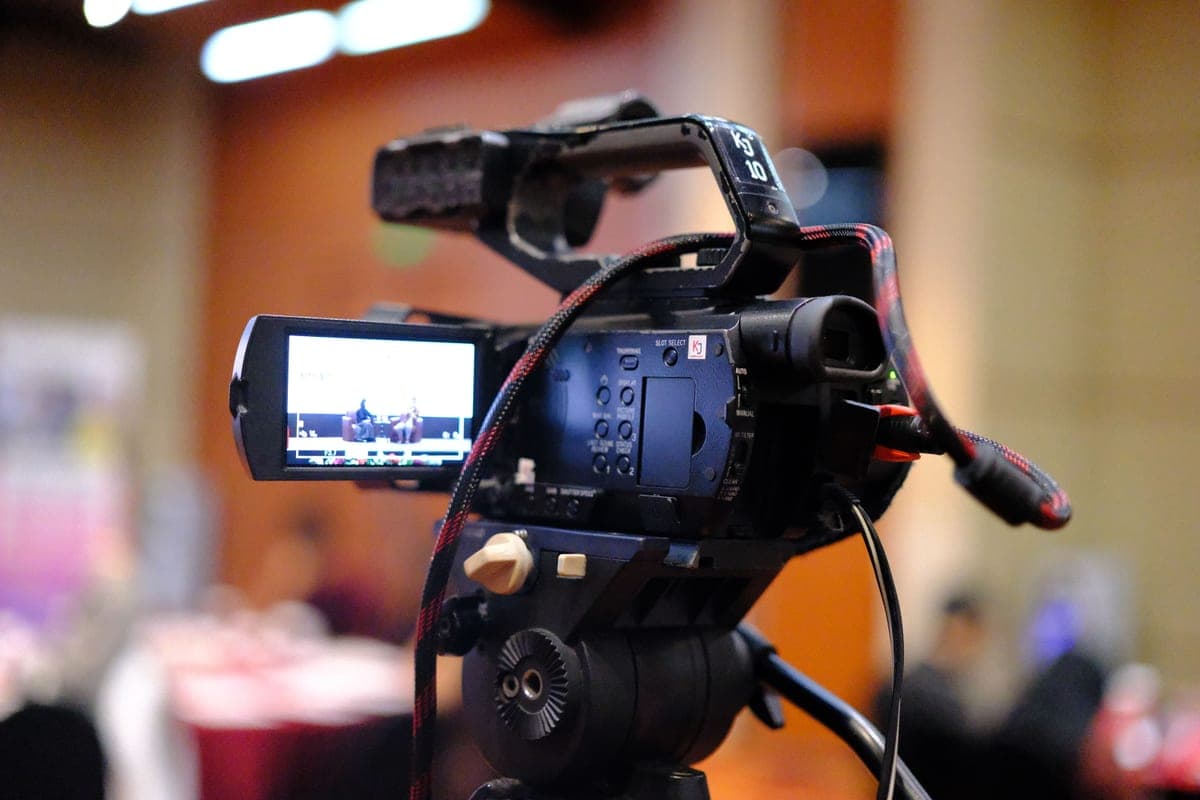
The images here are licensed stock photographs chosen to show the kind of equipment involved. They are not photographs of AyalaKi Services’s own installations, and this space is reserved for real job photos once they are available.
Hybrid meetings, where the room and the remote attendees are the whole audience.
Read more
The same capability with a very different buyer, budget and operator.
Read more
A practical build order, with published bitrate targets, for a one-operator stream.
Read more
Most streaming problems are decided by the venue's upload and sound desk. Worth checking both early.