Church sound system installation
The stream carries the sound from the room, so the room comes first.
Read more
A church stream your volunteers can start on their own, with audio taken from the sound desk instead of a camera microphone. Built around one operator and a routine that works the same way every week.
Who this is for
DFW churches streaming services to members who cannot attend
If a church stream sounds worse than the room, this is almost always why. The camera’s built-in microphone is sitting at the back wall, hearing the air conditioning, the person two seats away, and the preaching as a distant reflection. It is a microphone designed to capture whatever is near it, and what is near it is the congregation.
The fix is to take a dedicated output from the sound desk, which is already mixing exactly the microphones you want, and feed it to the streaming device through a small audio interface. On most consoles that is an auxiliary or matrix output and a cable. It is the single largest improvement available to most church streams and one of the cheapest.
One subtlety worth knowing. The stream mix is not identical to the room mix. Anything loud acoustically in the room, such as a drum kit or congregational singing, barely appears in a desk feed, and anything heavily reinforced for the room can dominate the stream. Where your console can provide a separate send, use it. Where it cannot, a small amount of ambience from a room microphone mixed in underneath makes the stream sound like a service rather than a studio.
Four criteria, and they usually point at the same place: centered on the platform, at roughly the eye level of someone standing on it, far enough back for the shot you want, and somewhere it does not sit in the congregation’s sightline.
A balcony front or a rear-wall mount usually satisfies all four. A camera on a tripod in the center aisle satisfies the first three and fails the fourth, which is why it works once and then becomes a weekly negotiation. If a tripod is the only option, put it at the side and accept a slightly angled shot.
Two further points. The shot should be framed for the whole platform rather than tight on the speaker, because a fixed camera cannot follow anyone and a tight shot that loses them is worse than a wide one that does not. And the camera needs a cable route back to the streaming position for video and usually for power, which is the part that decides whether a position is actually available.
Measure the building’s real upload at the time of day you stream, not the figure on the bill. Then choose the resolution to fit, with headroom.
Those figures come from YouTube’s live encoder settings documentation, which also recommends a keyframe interval of two seconds and AAC audio at 128 Kbps for stereo. A stream at a bitrate your connection cannot sustain does not look slightly softer; it drops frames and stalls. Choosing 720p when the connection is marginal is not settling, it is the better-looking option.
Use a wired connection to the streaming position rather than the building’s Wi-Fi. It is one cable and it removes the most common cause of a stream that is fine for twenty minutes and then is not.
Decide early whether you are building a one-person stream or a two-person production, because it changes everything that gets bought.
A one-person stream is a fixed wide shot, a saved encoder profile, and a start-and-stop routine written on a card. The operator’s whole job is to press start at the right time, watch that it is running, and press stop. That is achievable for a rota of volunteers with different levels of confidence, and it produces a reliable stream every week.
A two-person production adds shot changes, lyrics and graphics on screen, and someone watching the stream itself. It is better to watch and genuinely needs the second person, because the first one is occupied. Churches that buy the equipment for the second option and staff it with one volunteer end up with a worse stream than if they had built the first.
Start where your congregation already is, which for most DFW churches is YouTube or Facebook. Both are free to stream to, both handle the playback, and both are places people already have accounts. An embedded player on the church website is a reasonable second step rather than a starting point, and most encoders can send to more than one destination if the upload bandwidth allows.
Whichever you choose, record locally at the same time. A local recording survives a network interruption and is the copy worth keeping.
This is the item churches most often miss, and it is worth settling before the first stream rather than after. Performing copyrighted worship music in your building and transmitting it to the public are two different permissions. The usual route is a streaming license from the rights organization your church already deals with for song use.
It is not legal advice and the specifics depend on the music you use and the licenses you already hold. The point is simply that it is a real item on the checklist, and the time to confirm it is before the camera is bought.
No platform subscriptions. No music or streaming licenses; those are the church’s to hold. No weekly operation of the stream, which stays with your team, although training to run it is part of the job. No post-production editing. No electrical work requiring a new circuit, and no structural or rigging work for camera mounting beyond ordinary fixing.
If the sound in the room is not right yet, start at church sound system installation. For the full build order, see small church live stream setup.
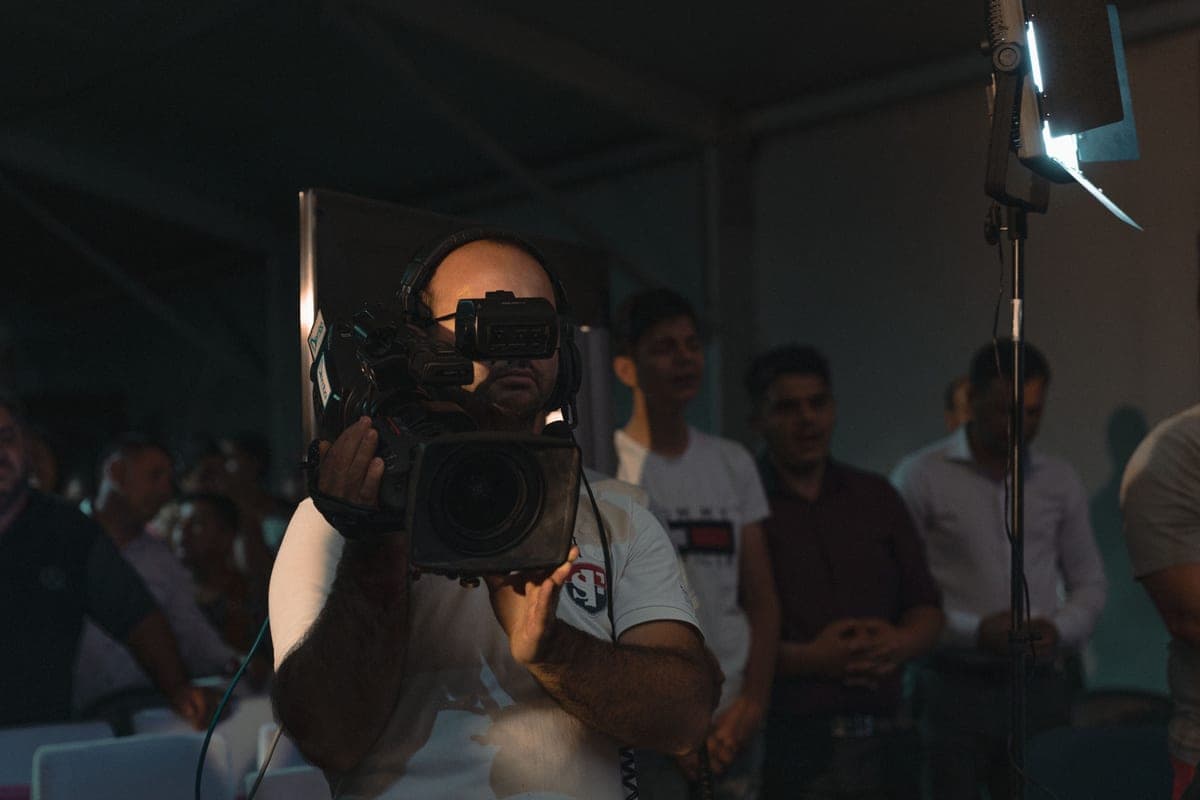
The images here are licensed stock photographs chosen to show the kind of equipment involved. They are not photographs of AyalaKi Services’s own installations, and this space is reserved for real job photos once they are available.
The stream carries the sound from the room, so the room comes first.
Read more
The full build order with published bitrate targets and a pre-service checklist.
Read more
The corporate version: same capability, different audience and budget.
Read more
A visit establishes the desk output, the camera position and the real upload speed. Those three decide everything else.