Network design consultation
The planning step that comes first: what the network needs before anything is bought.
Read more
Setting up and configuring the equipment so it works properly on the network. Routers, switches and wireless access points taken past the settings they shipped with, then documented and handed over with the credentials.
Who this is for
Homes and small businesses with new or existing network equipment that needs setting up properly
Configuration is the work of setting up the devices the network runs on so they suit the building rather than the box they came in. In practice that is the router, the switch, the wireless access points, and anything else that has to be told how to behave: addressing, wireless settings, the switch configuration, firmware, and replacing the administrator passwords the equipment shipped with.
It is a separate activity from running cable, and it is the half of the job that decides whether the cable was worth running. A building can be cabled perfectly and still have wireless that fights itself, devices that lose their addresses, and a switch that quietly runs out of power halfway through the afternoon.
Plugging equipment in gets you a link light, and for a single device in a small space that is sometimes enough. It stops being enough as soon as there is more than one thing on the network. Two access points left on their default settings commonly end up on the same wireless channel, competing with each other for the air they are both trying to use. A switch with a power budget it was never told about will supply the first devices and refuse the last ones.
None of that is exotic. It is simply work that has to be done once, deliberately, by somebody who writes down what they did.
Configuration is often wanted on its own, with no installation attached to it: equipment that has been in place for years but was never taken past its defaults, or new equipment that has arrived and needs setting up before it goes into service. Both are normal starting points.
Existing routers, switches and access points get assessed on whether they can carry what you need, and get configured and reused when they can. Where something cannot do what is being asked of it, you are told what and why before any work is quoted. If the question is really about what the network should look like in the first place, that is a network design consultation and it is worth having first.
A network you cannot administer is a network you do not really control, and that is worth confirming with anyone you hire.
No computer, phone or smart-home support beyond getting the device onto the network. Nothing to do with your internet provider’s own service or billing. No server, application or software administration. Where a problem turns out to sit outside the network, you are told that rather than billed for chasing it.
Related: network installation for the cabling and hardware side, or network design consultation for the planning that comes before either.
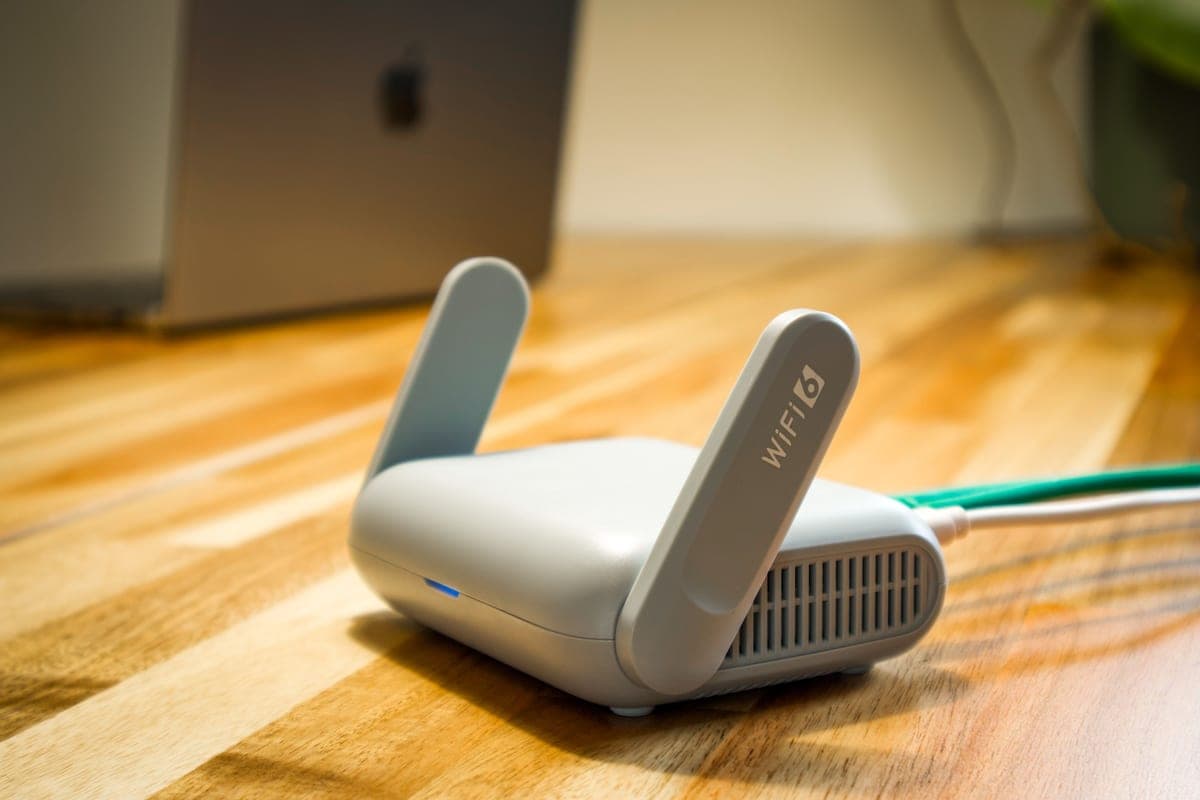
The images here are licensed stock photographs chosen to show the kind of equipment involved. They are not photographs of AyalaKi Services’s own installations, and this space is reserved for real job photos once they are available.
The planning step that comes first: what the network needs before anything is bought.
Read more
The hub: cabling, switching, access point design and PoE power budgets.
Read more
Wired drops where they matter, and wireless coverage that reaches the back of the house.
Read more
Drops, patch panels, labeling and testing for offices and commercial units.
Read more
Cameras and recorders need configuring as much as mounting, and they sit on this network.
Read more
A room that drops calls is usually a network configuration problem, not a camera one.
Read more
Whether it arrived last week or has been in the closet for years, a visit establishes what it can do and what it needs.